
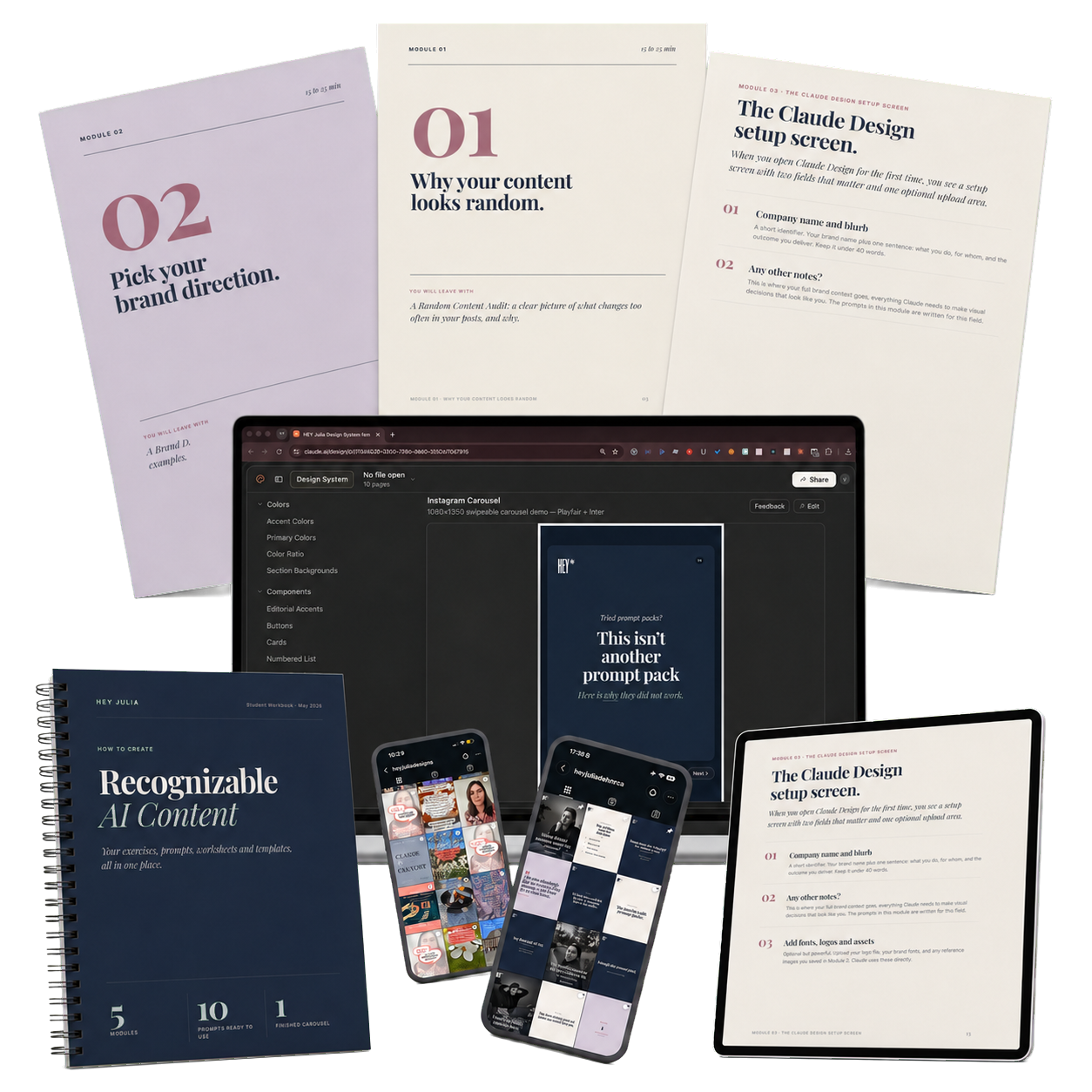
Recognizable AI Content
Build this brand kit once, hand it to your AI tool, and it will stop designing like a stranger and start making carousels that look unmistakably like your brand.
Built in five modules
25 short do-along lessons · build your whole brand kit in one afternoon.
You walk away with a complete brand kit you paste into your Claude Project, CustomGPT, or Canva, so every carousel comes out in your colors, your fonts, your layout. Permanently.
IDEAL FOR CLAUDE + CANVA
Build the Design System Document once, paste it in, and watch a five-minute carousel come out looking like you every time.
-

28 Videos
-

0 Quizzes
-

0 Worksheets
-

0 Files
-

You've made the right decision!
-
Audit Your Recent Content So You Can See Why Your Brand Is Hard to Recognize
-
Stop Template-Hopping and Build the Visual Rules Your Brand Can Repeat
-
Understand Why Inconsistent Design Makes Your Content Work Harder Than It Should
-
Learn the Three Things Your Audience Needs Before They Start Recognizing Your Brand
-
Give AI the Visual Context It Needs Before You Ask It to Design Anything
-
Choose Visual Signals That Match the Audience You Want to Reach
-
Use Eight Simple Sliders to Define the Visual Feeling of Your Brand
-
Check Whether Your Visual Direction Actually Fits the People You Want to Attract
-
Research Visual References and Anti-Examples So AI Gets a Better Brief
-
Choose the Right Route for Building Your Visual Brand System
-
Route 1: Build a New Design System From Scratch in Claude Design
-
Route 1: Review Claude’s First Design System and Decide What Needs Adjusting
-
Route 2: Upload Your Existing Brand Assets So Claude Can Refine Your Current System
-
Refine Colors, Fonts, and Brand Elements Without Rebuilding Everything
-
Plan Carousels as Visual Arguments Instead of Turning Blog Posts Into Slides
-
Write Cover Slides That Give People a Clear Reason to Swipe
-
Build Middle Slides That Are Easy to Read and Do Not Overload the Reader
-
Create CTA Slides That Close the Loop and Ask for One Clear Action
-
Refine Individual Slide Layouts Without Breaking the Whole Design System
-
Connect Canva to Claude So Your AI Designs Can Become Editable Templates
-
Send Your AI-Generated UI Kit to Canva as Editable Pages
-
Tweak the Imported Canva Design Manually When AI Has Done Enough
-
Save Your Imported Canva Design as a Brand Template You Can Reuse
-
Understanding Claude Usage Limits
-
Turn a Plain Workbook Draft Into a Designed, On-Brand PDF Using Your Visual System
-
How to get Your Design Print-Ready (PDF) out of Claude
-
Export Your Designed AI Document as a Proper PDF From Chrome
-
Troubleshooting: Fix PDF Export Problems When the Preview and Download Do Not Match